The waitlist that knows who to call
A waitlist entry can say which day, which timeframe, which pet, and which service. A cancellation matches against those, and the row is editable when they change.
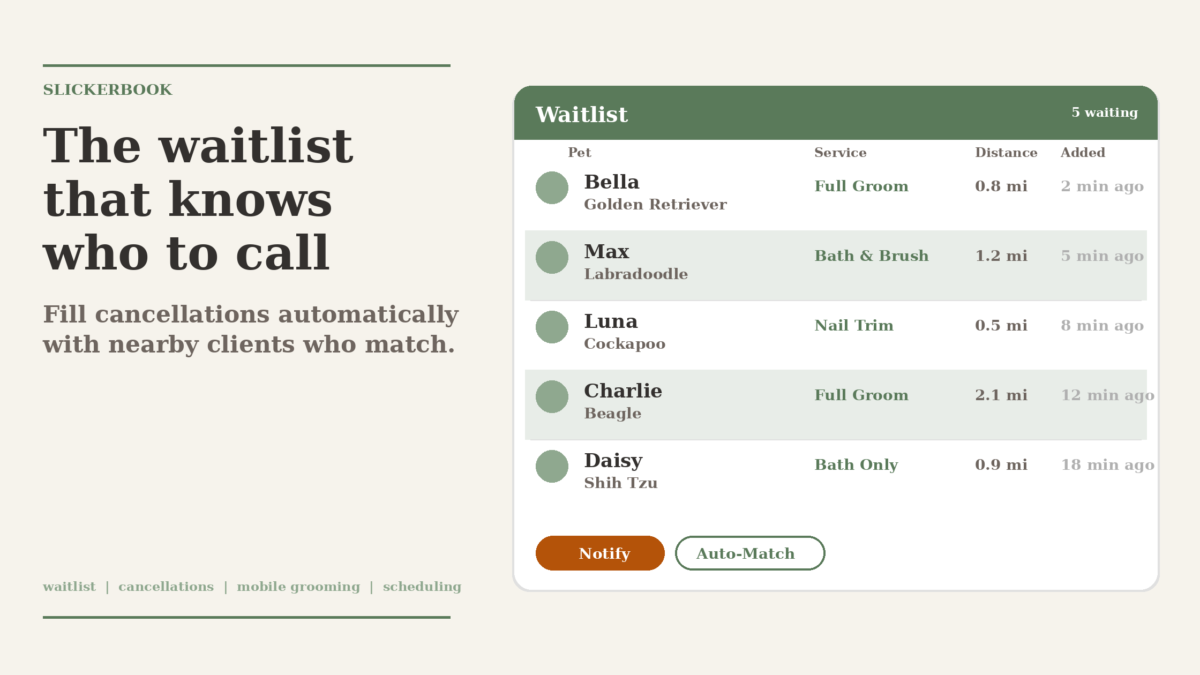
Wednesday at 11:08 a.m. The noon nail trim cancelled four minutes ago. The groomer is already in the van. You’ve got the afternoon open until the 3 p.m. full groom across town. The waitlist has nine customers on it. The first one you call doesn’t have a dog anymore. The second wants a bath, not a nail trim. The third is free any day, any time, and has a Standard Poodle the shop won’t fit until April.
You text all three anyway, because the list doesn’t tell you who it should have been. The slot stays open.
A waitlist that says the same thing for every entry is a callback queue, not a list. The fix is to let each entry say what it’s waiting for, and let the matcher honor it.
A waitlist entry that knows the difference between “any” and “specific”
The waitlist form on the Waitlist page now has the same options a booking request would. An entry can pin a specific date, or pick days of the week, and a timeframe: any time, morning, afternoon, evening. The pets on the customer’s account and a service are both selectable. Free-form notes still work for the things that don’t fit a field, and a note like “flexible if it’s with Sarah” goes in the notes box, not in the preferences.
A few shapes that come up:
- A customer is open the second half of May and prefers afternoon. The entry has
requested_dateempty,preferred_weekdaysempty,timeframe: afternoon. - A customer’s golden retriever needs a bath every six weeks and the next one is due May 22. The entry has
requested_date: 2026-05-22, no weekdays, no timeframe. - A customer can do any day but only mornings, and only a nail trim. The entry has
preferred_weekdaysset to all seven,timeframe: morning,service_idset to the nail-trim service.
The list shows the preferences in the row. The row is the customer’s actual ask.
What the matcher does when an appointment is cancelled
The waitlist is checked when an appointment is cancelled. For each entry that’s still Waiting, the matcher compares the cancelled slot’s date, day of week, and the local-time start time against the entry’s preferences. The customer and the service are also matched if those fields are set.
A Wednesday noon nail trim cancellation evaluates against nine entries:
- The first customer wanted a bath, the service doesn’t match. No text.
- The second customer has no pets. Skipped.
- The third customer’s
timeframe: afternoondoesn’t match a noon slot. Skipped. - The fourth customer is open any day, any time, no pet, no service. The pin is
any. They get the text.
A single any entry still gets a chance to fill a slot. The matcher’s job is to send the text to the people who asked for what just opened, not to suppress the people who said yes to anything.
The match runs in the company’s local timezone. A noon cancellation in Portland is a morning cancellation for an East-coast customer and an afternoon cancellation for a Hawaii customer. The timeframes split at 12:00 and 17:00 in the shop’s local clock, not in UTC.
Editing an entry when the customer changes their mind
The same row that used to need a delete and a re-add now opens with a click. The form is the same one used to add an entry, with the customer locked and everything else pre-filled. The customer calls on Tuesday and says the May 22 date no longer works, they can do any Thursday afternoon. You click their row, switch the day-mode from date to weekdays, tick Thursday, pick afternoon, save. The entry is back to Waiting.
When the preferences change, the entry resets to Waiting even if it had already been Notified. The reason is that the old preferences may have matched a slot the new ones don’t. Sending a second text to a customer who already said “not Thursdays” would teach them to ignore the waitlist entirely.
The notes field stays a notes field. The trash icon still removes an entry without opening the form. Nothing about the old flow is gone; the edit form sits on top of it.
What this looks like on a Wednesday
A noon nail trim cancels. The matcher picks the entries that match. Three customers get a text. One books the noon slot. The 3 p.m. across town stays on the books, and the Thursday morning customer doesn’t get a text about a Wednesday noon opening, because the matcher knew.
Next Wednesday, a customer calls and changes their preferences. You click their row, edit the form, and save. The list stays useful, and the next opening is faster to fill.
Filed under Running the business cancellations, matching, mobile grooming, scheduling, waitlist