Switching software without rebuilding your client list
Drop your old product's export in as it came out: three files, their columns mapped, their record numbers linked, one preview before anything is written.
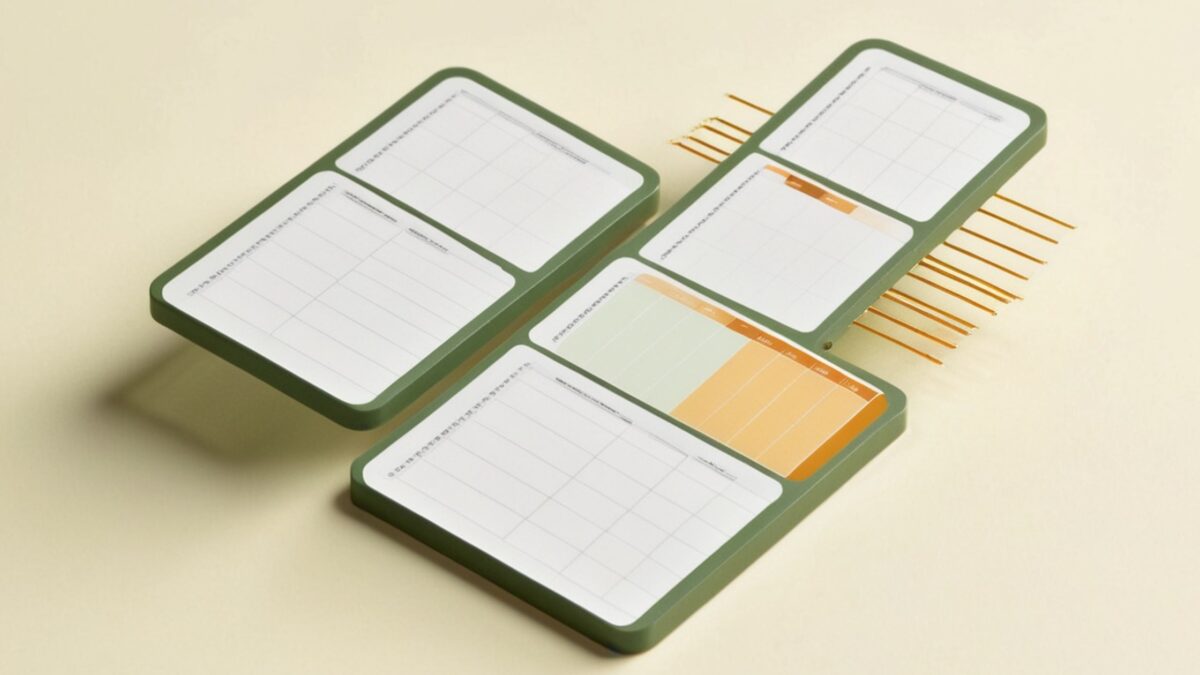
You’ve had the export sitting in your downloads folder for two weeks. Three files your old software gave you the day you clicked export. You opened one, saw wall to wall numbers, and closed it. Two weeks is long enough.
The usual fix is retyping. Print the client book, pour a coffee, and enter names one at a time into the new software. Groomers do this in the evenings for a month, then find the typo in a phone number when a confirmation text bounces. Halfway through, the old book is still the real schedule, so you’re booking from two systems and one of them is paper.
Getting those three files into Slickerbook is a drag and a drop. The import screen has one drop zone. You drop the files, Slickerbook reads them, and it shows you what it plans to do before it writes anything.
You never tell it which box is the first name. It lines up every column on its own: John Smith lands in the name fields, 9:30 a.m. lands in the time slot, Poodle (20 kg) becomes a breed and a weight. All of those calls show up on one review screen, and you can change any line before you go. The software makes the first guess. You make the last one.
Every pet finds its person
The part that used to eat a week is the matching. Each pet gets matched to its owner, each old appointment to the right pet. Bella goes to Mrs. Henderson, not the other Bella across town.
It reads the files the way they came out, including the record numbers the old software used to tie rows together. Two clients who share a household phone stay two clients, because the export said so. A pet whose owner can’t be found gets pulled aside and named, not guessed at.
What arrives at the other end: every client with their phone number, every pet with its breed and weight, and the appointments that fill your calendar. The history comes with them, so when a regular calls in March, you can see what you did for her dog in October.
Before anything moves
The preview shows the first rows of each file, a count of anything unmatched, and any warnings. If a row comes back with an error, the error names the file and the line number. You fix that row or skip it. Nothing is written until you press the button.
Nothing happens to your old software either. The files it handed you are copies. You keep booking in the old system the day you run the import, and the day after, for as long as you want. The morning you switch is yours to pick. A slow week in February beats the week before Christmas, and either way the old book stays on the shelf until you’re sure.
Clients need an email address. Most exports have them. The few that don’t come back flagged, and you fill them in by hand. The next import is easier than the first, because the software remembers the settings you approved.
You read the preview, you press the button, and the list you spent years building is in the new system. Monday you’re booking grooms.
Filed under Getting started csv, data, import, migration